
Most people oversize their home battery because they start from the wrong number. The number that matters is not how many panels you have or how big your house is — it is the energy your critical loads actually use during the hours you need backup, plus a margin. This 5-step method takes you from a blank page to a battery size you can order in about fifteen minutes, and it produces the same result your installer's sizing tool gives you.
Step 1 — List the loads you want to back up
Write down the appliances that must run during an outage and their power draw in watts. The typical list is a fridge (150–300 W), LED lighting (50–150 W), a router and Wi-Fi (10–30 W), a security system, and a few phone and laptop charges. If you want the heat pump or water heater on backup, add 1,000–4,000 W for that. Do not add the EV charger, the oven or the tumble dryer to backup unless you are deliberately building a large system — those are comfort loads, and they multiply the battery size. Keep two lists if it helps: a "must-have" list and a "nice-to-have" list, because the difference between them can be half the battery size.
Step 2 — Decide the backup hours you need
For most homes, 6 to 12 hours of backup covers a typical overnight outage, and 24 hours covers nearly all outages. The duration you choose multiplies the load total directly: 2 kWh of load for 10 hours is 20 kWh of required energy. Solar-coupled systems can run effectively "forever" in daylight with enough panel, because the sun recharges the battery each day — in that case the backup duration matters less and the battery size is driven by what the panels can recharge overnight. Decide the hours before you pick any product, and write the number down.
Step 3 — Convert to usable kWh
Multiply the load power by the backup hours to get the energy, then remember batteries do not give you all their rated capacity. A home battery is typically usable to 80–90% of rated capacity, and real-world conditions (degradation, temperature, inverter losses) reduce it further. A common, safe rule is to add 20–30% margin: take your required energy and multiply by 1.25–1.30 to get the rated kWh you should buy. So 20 kWh of required energy becomes roughly a 25 kWh rated battery. This margin also absorbs the fact that your estimates are optimistic and that the battery will degrade over the warranty period.
Step 4 — Check the power, not just the capacity
Capacity in kWh tells you how long the battery lasts; power in kW tells you whether it can start your loads at once. The inverter and battery must be able to deliver the simultaneous power of everything on backup at startup — a fridge and a heat pump both have startup surges two to four times their running watts. Sum the running watts of your must-have loads and add headroom for surges, then confirm the battery or inverter can sustain that power. A 10 kWh battery with a 3 kW continuous rating will not power a 5 kW load, no matter how much energy it stores.
Step 5 — Match the battery to your inverter and grid
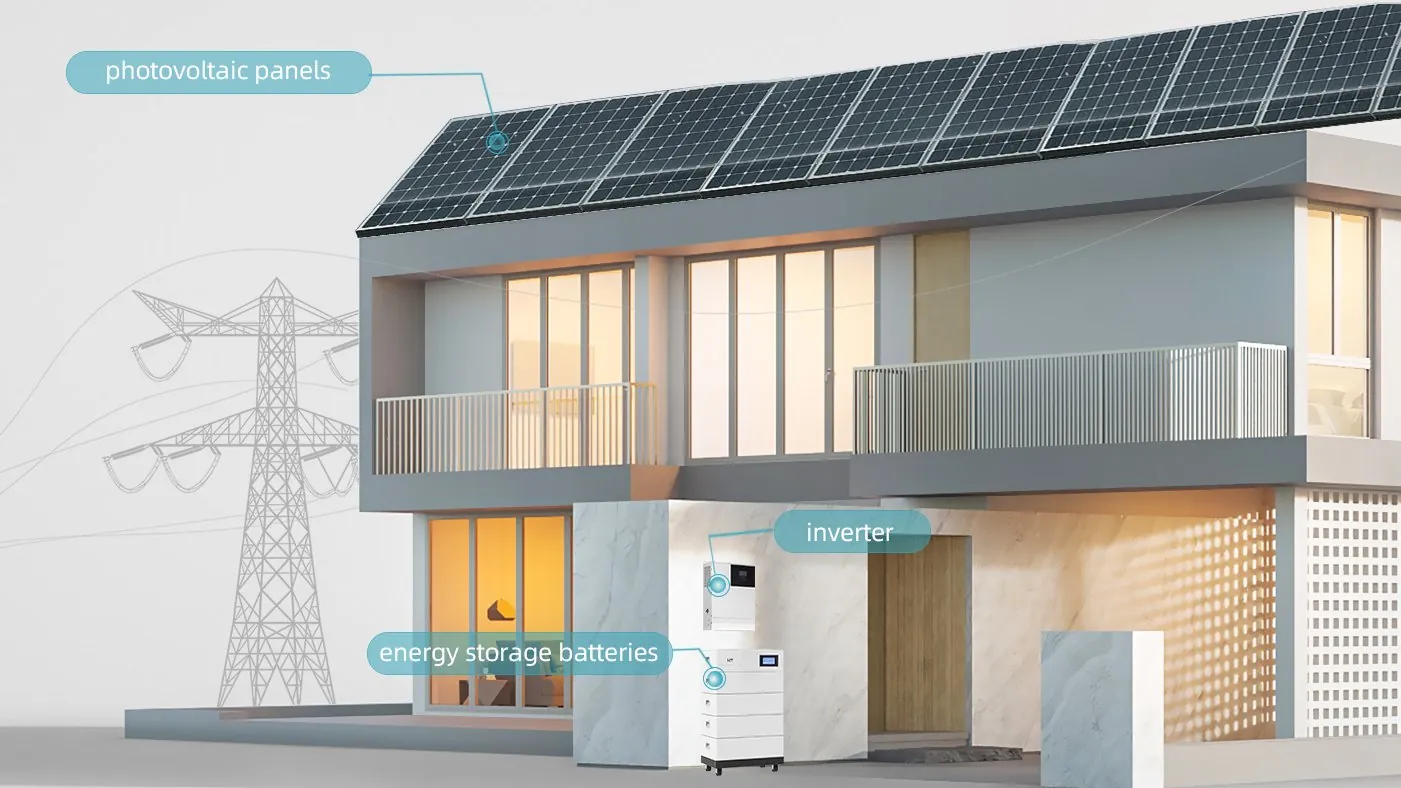
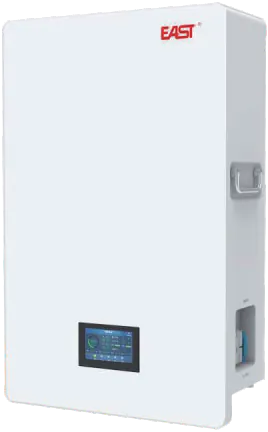
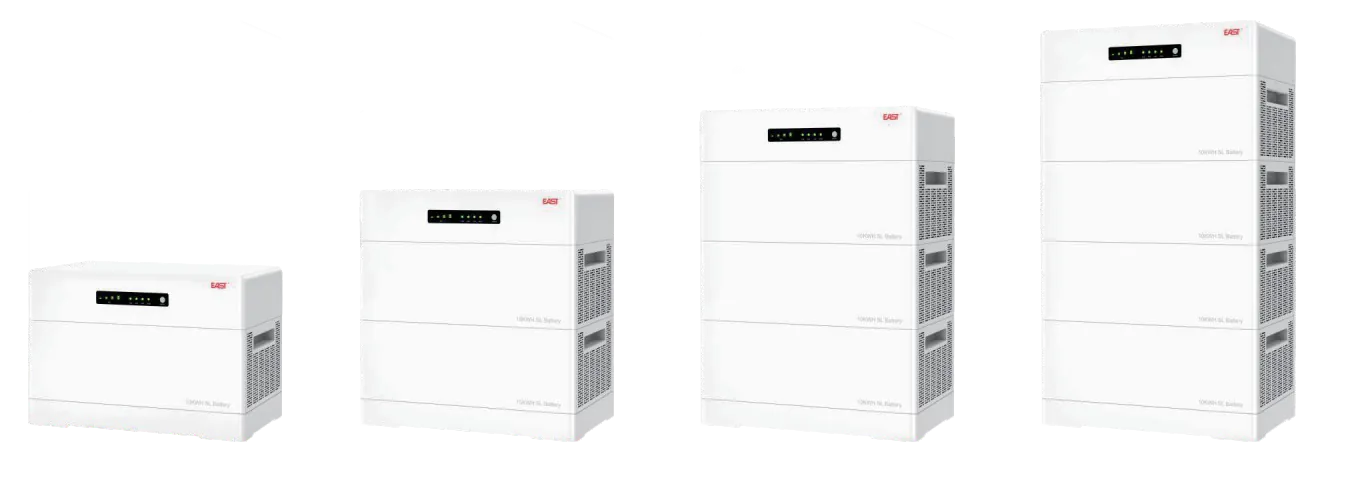
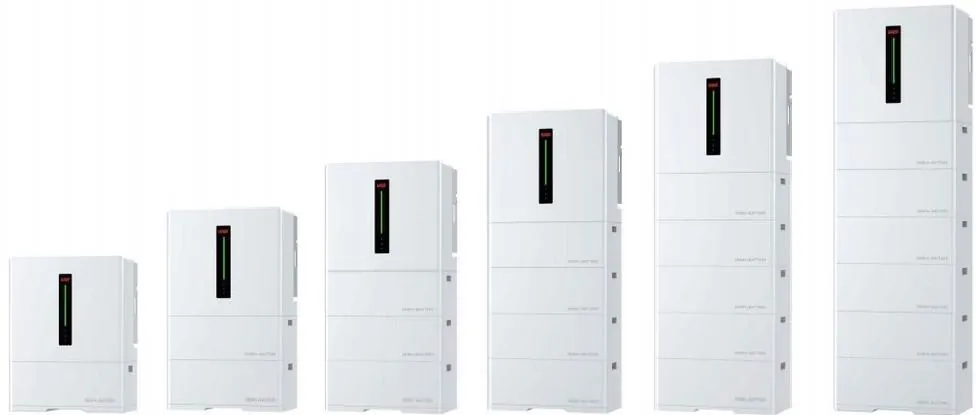
Finally, match the battery to the inverter and the grid type. Confirm the battery voltage platform sits inside the inverter's DC input range, the BMS and inverter communication protocols are compatible, and the battery is rated for your single-phase or three-phase system. Decide between a wall-mounted battery for simple backup and a stackable modular battery for future expansion. And decide whether you need the system to run off-grid, on-grid with export, or as a hybrid that does both — the inverter type follows that decision. If you are choosing panels at the same time, size the solar to recharge the battery within a typical sunny day, usually 1 to 1.5 times the battery capacity in PV wattage.
Worked example: sizing a real home
Take a typical family home. Must-have loads: fridge 200 W, lights 100 W, router 20 W, security 50 W, phone/laptop 50 W — total 420 W. Choose 10 hours of backup: 420 W x 10 h = 4.2 kWh. Add 30% margin: 4.2 x 1.3 ≈ 5.5 kWh usable, so around a 6–7 kWh rated battery — matching a single wall-mounted home battery. If they want the heat pump (2,000 W) on backup too, the total jumps to 2,420 W; 2,420 x 10 h = 24.2 kWh, times 1.3 ≈ 31 kWh rated, which is a two-to-three battery stack or a high-capacity module. The same home, two decisions, five times the battery — which is exactly why Step 1 (choosing what to back up) is the most important sizing decision you make.
Common sizing mistakes to avoid
The most common mistakes are sizing to daily consumption instead of backup loads (daily consumption includes loads you do not need during an outage and oversizes the battery), ignoring startup surges (the battery runs out of power before it runs out of energy), skipping the margin (real batteries deliver less than rated), and forgetting the inverter (a battery is only useful if the inverter can charge and discharge it at the rates you need). Another frequent error is buying the biggest battery in the catalog — more capacity means more cost, more space and slower payback, with no benefit if your loads and outage profile do not need it.
How to buy: wholesale and installer considerations
If you are buying for a product line or as an installer, standardize on a small set of sizes that cover most homes — for example a 5–7 kWh wall-mounted unit, a 10–14 kWh unit and a modular stackable line for larger homes — and pre-compute the sizing tables for your sales team. Confirm the battery's usable capacity at the DOD your installer will configure, the expansion capability, the certifications for your market, and the warranty's capacity retention clause. We manufacture LiFePO4 wall-mounted and stackable home batteries with BMS, and our sizing recommendation is straightforward: list your loads, pick your backup hours, add 30%, and we will confirm the exact model and configuration with you before you order — at wholesale pricing for installers and distributors.